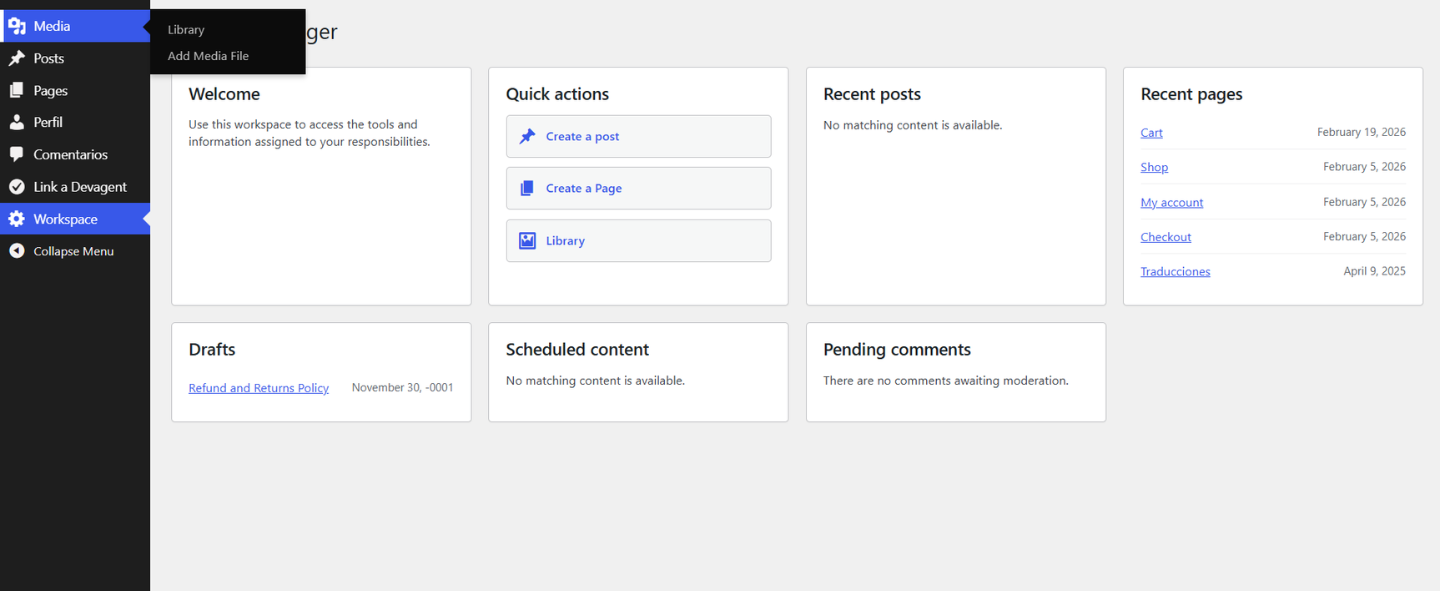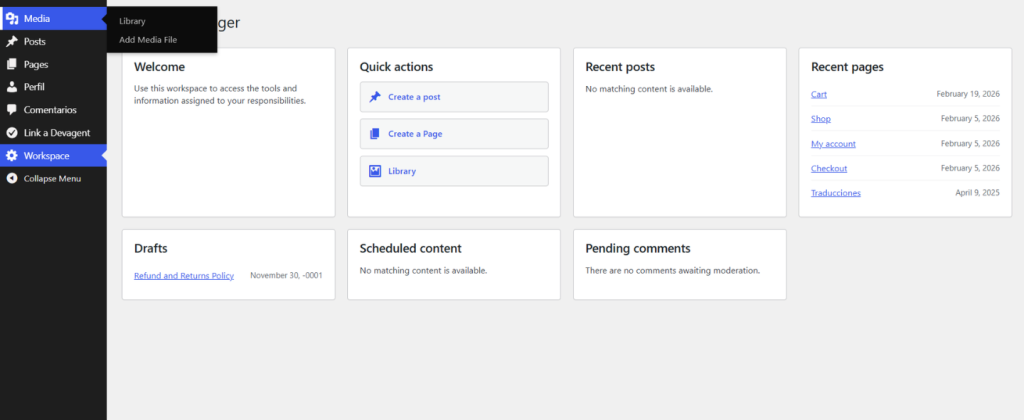
Create focused WordPress administration experiences for different roles and users. Combine a custom menu, dashboard, start page, quick actions and assignments in one workspace—while keeping real WordPress permissions separate from presentation.
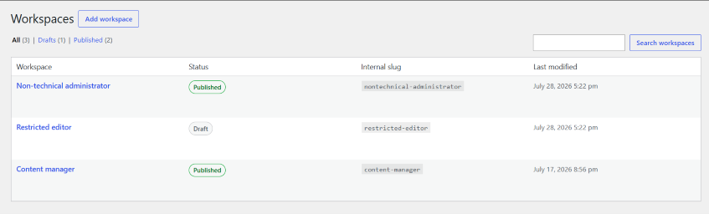
Create focused admin environments with a name, description, icon, start page and assignments.
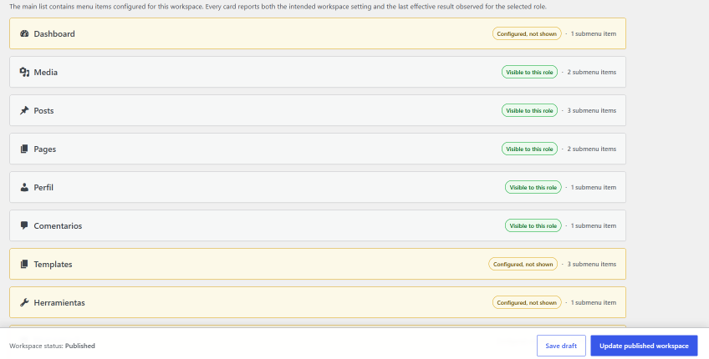
Show, hide and reorganize wp-admin items without changing the user’s real capabilities.
Give each workspace a practical starting point with useful blocks and shortcuts.
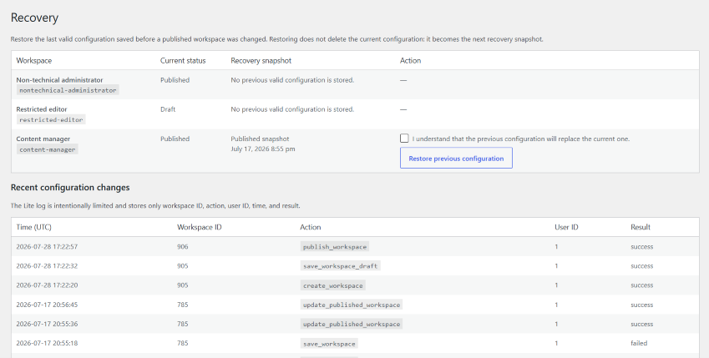
Compare configured and effective menus, preview changes and restore a valid setup when needed.
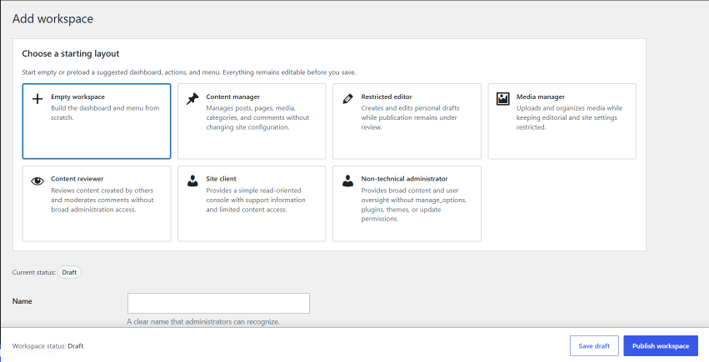
Choose a name, start page, dashboard blocks, quick actions and the wp-admin menu you want to present.
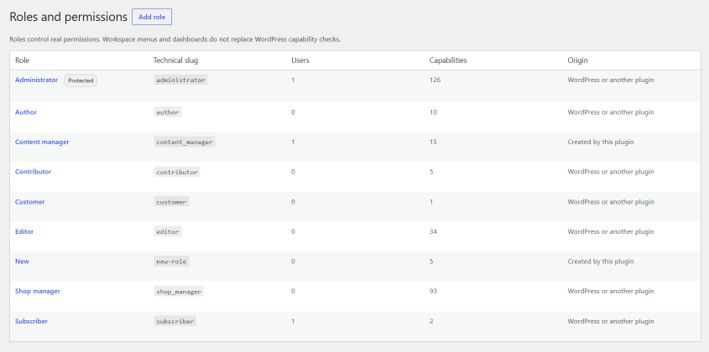
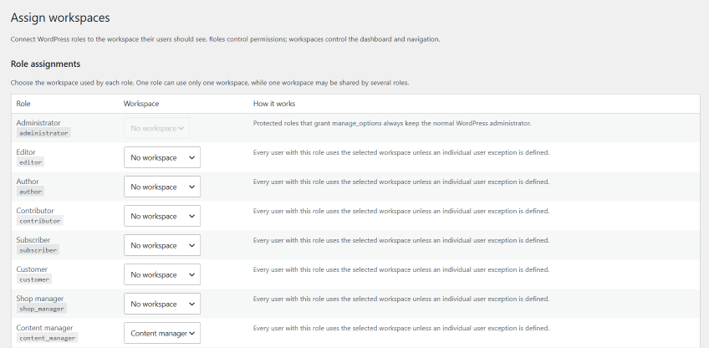
Apply the workspace to a WordPress role, share it between roles or add individual user exceptions.
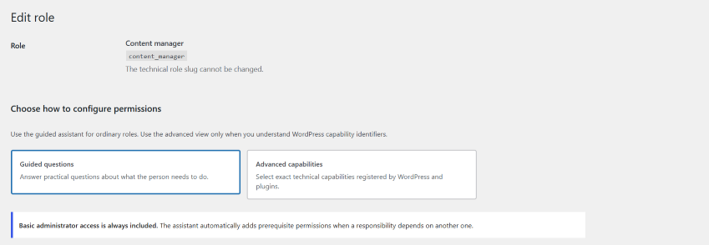
Users enter a cleaner native WordPress workspace while their underlying permissions remain protected.
Devagent Admin Workspace brings the menu, dashboard, start page and assignments together as one reusable configuration. It also separates what users can see from what WordPress actually authorizes, helping you create simpler interfaces without treating visual customization as a security layer.
We use essential cookies to make this website work properly. With your consent, we may also use analytics and marketing cookies to understand how the website is used and improve our services. You can accept all cookies, reject non-essential cookies, or manage your preferences.