
Let Customers Book Multiple Consecutive Time Slots in WooCommerce
Not every booking fits a single one-hour appointment. Give customers the flexibility to reserve two, three or more same-day hourly slots together — without creating a separate booking for every hour.
DevAgent WBR — Hourly Bookings & Appointments enables multiple available time slots in one WooCommerce booking.
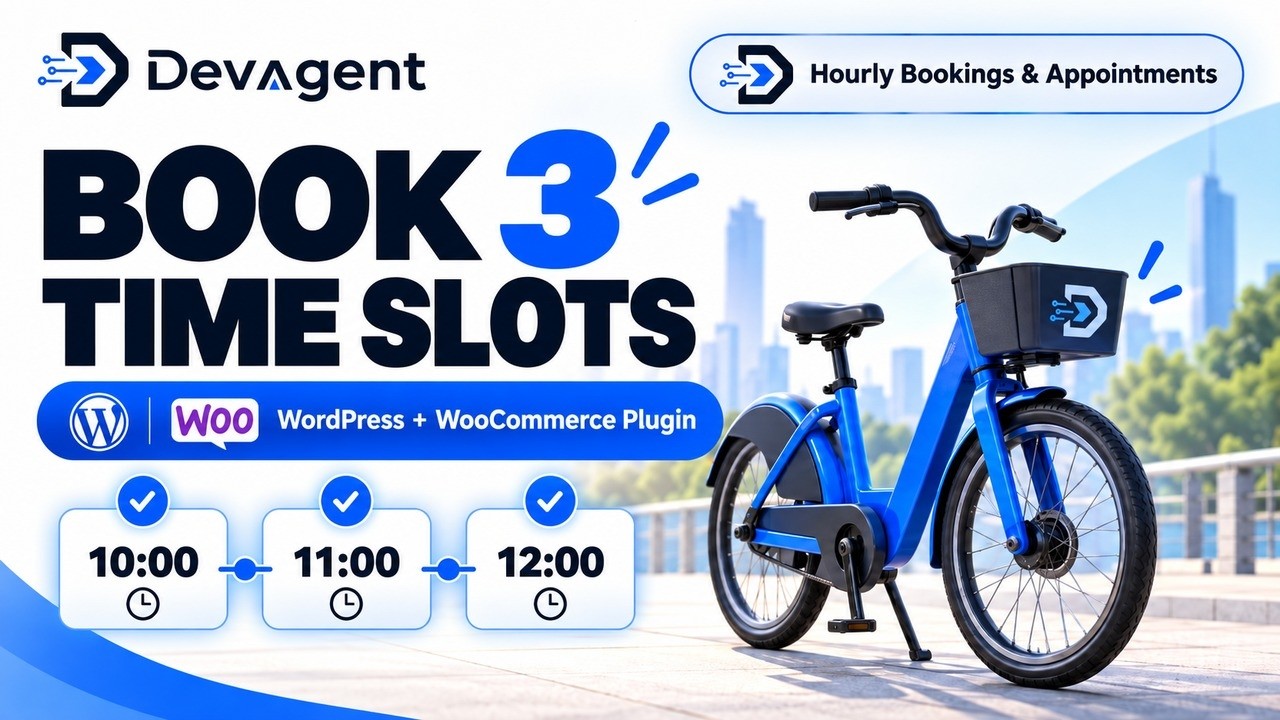
Choose the hours you need in one booking
With multiple-slot selection enabled, customers choose a date and select the available hourly periods they need before adding the booking to the cart. Consecutive slots support uninterrupted rentals; same-day non-consecutive selection is also supported in the validated workflow.
- Configure availability. Set up the WooCommerce hourly booking product and its available slots.
- Select several slots. Customers choose multiple available time slots on one date.
- Check availability and capacity. The full selected set is validated against the product’s rules.
- Continue through WooCommerce. Selected slots remain together in the validated cart and booking workflow.
City Bike: three consecutive one-hour slots
The live City Bike demonstration uses a €10 price per selected slot. Selecting 10:00, 11:00 and 12:00 produces a €30 rental example — without three separate booking selections.
The €30 figure is the demonstration rental total, not the price of the Hourly add-on.
Three hours. One booking.
10:00–11:00 • 11:00–12:00 • 12:00–13:00
3 selected slots · 3 hours · €30 in this demo
Illustrative rental pricing, not the add-on purchase price.
Charge for the selected time, protect availability
Pricing that reflects selected slots
A fixed price per selected slot can increase the total as customers select more periods. Accumulated-duration pricing is also available when configured. The City Bike example uses per-slot pricing; Dynamic Pricing is not required.
Availability checked across the set
Where hourly capacity is configured, the requested quantity must be available in every selected slot. The plugin checks the set according to its booking and capacity rules before accepting the capacity reservation.
Flexible hours for rental and appointment businesses
- Bike and scooter rentals with variable rental length
- Meeting and conference rooms reserved for several hours
- Photo or recording studios
- Sports courts and bookable facilities
- Tools and equipment rented by the hour
Know the requirements and limits
The current validated multi-slot booking workflow is same-day only. It does not support a cross-midnight or multi-day selection within one multi-slot booking. Available slots, pricing and capacity depend on the product configuration.
This workflow needs the free DevAgent WBR — Rentals & Bookings base plugin together with the paid Hourly Bookings & Appointments add-on.
Configure multiple-slot bookings in WooCommerce
Learn how hourly schedules, slot availability, capacity, selection modes and pricing settings work together. Follow the Hourly documentation to reproduce the booking flow for your own products.
FREQUENTLY ASKED QUESTIONS
Questions about booking several time slots
Can customers book more than one time slot?
Yes. The Hourly add-on supports several available same-day time slots in one booking when multiple selection is enabled.
Do the time slots have to be consecutive?
No. Same-day consecutive and non-consecutive selections are supported; the City Bike demo focuses on three consecutive hours.
Does the price update when customers select more hours?
Pricing may use selected slots or accumulated duration. In the demo, three €10 slots total €30.
Can bookings cross midnight or multiple dates?
Not in the current validated multiple-slot workflow. All selected slots must be on the same local date.
Is the free WBR plugin enough?
No. Multiple hourly slot selection requires the premium Hourly add-on alongside the WBR base plugin.
Give customers control over their booking time
Let customers choose the available hours they need and keep those periods together within one WooCommerce booking.